
OPTIMUS · Asset reliability
Digital Twin for asset reliability
Asset, condition, health, alarms, maintenance. Used to see which asset is at risk and what action needs scheduling.
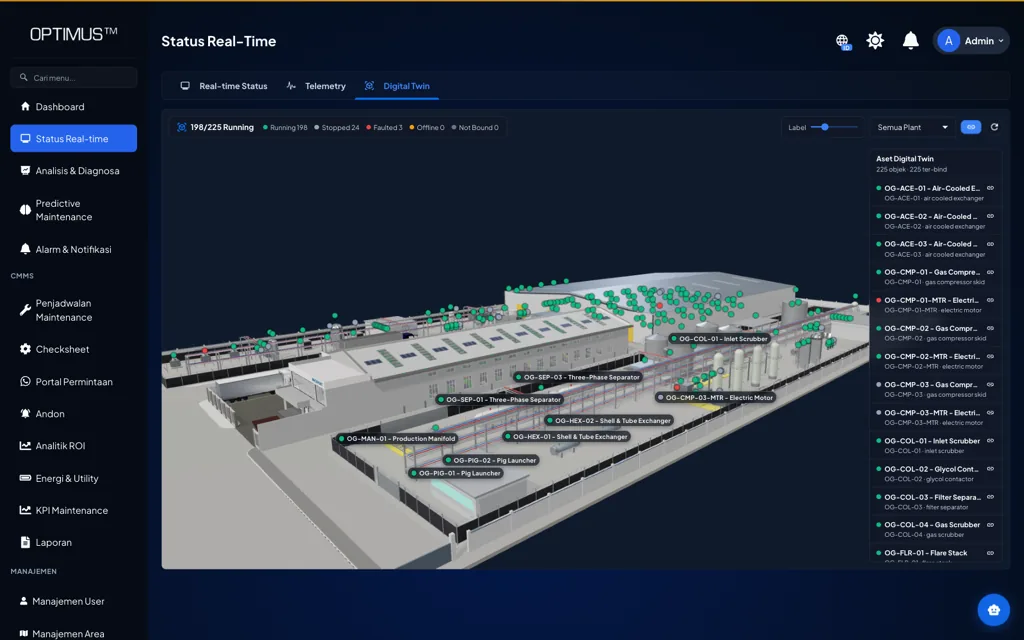
Digital Twin
The Machvory Digital Twin connects a 3D model of your plant with machine condition, production, energy, alarms, and maintenance data. Operating status reads straight off the physical asset.
What it is
Every object in the model is linked to the same asset the monitoring and maintenance modules use. The numbers in the model are exactly the numbers in the system.
01
Where every asset sits on the plant model, and its status. Running, stopped, faulted, and offline show on the object itself.
02
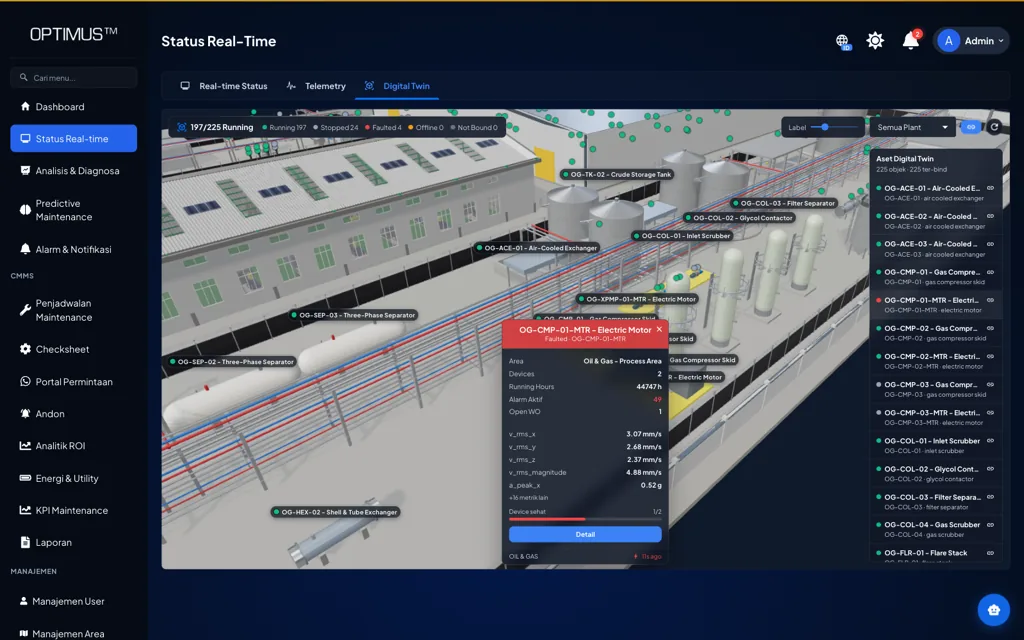
Condition, alarms, history, and analytics attached to the same asset, so diagnosis does not mean jumping between screens.
03
From an alarm on the 3D object straight to an inspection, a work order, and the maintenance action, with the data chain intact.
Asset context
Area, device count, running hours, active alarms, open work orders, and condition values, all on the selected object.
OPTIMUS answers whether the asset is healthy. TNS answers whether it runs productively and efficiently.
OPTIMUS · Asset reliability
Asset, condition, health, alarms, maintenance. Used to see which asset is at risk and what action needs scheduling.
TNS · Operating performance
Machine, production, OEE, downtime, energy. Used to see whether machines run to plan and how much energy they use.
The chain from anomaly to verified repair stays intact, without switching systems.
01
3D asset
Object in the plant model
02
Status
Running, stopped, fault
03
Condition
Vibration, temperature, energy
04
Alarm
Warning and critical
05
Diagnosis
Trend and history
06
Work order
Scheduled work
07
Repair
Execution and verification
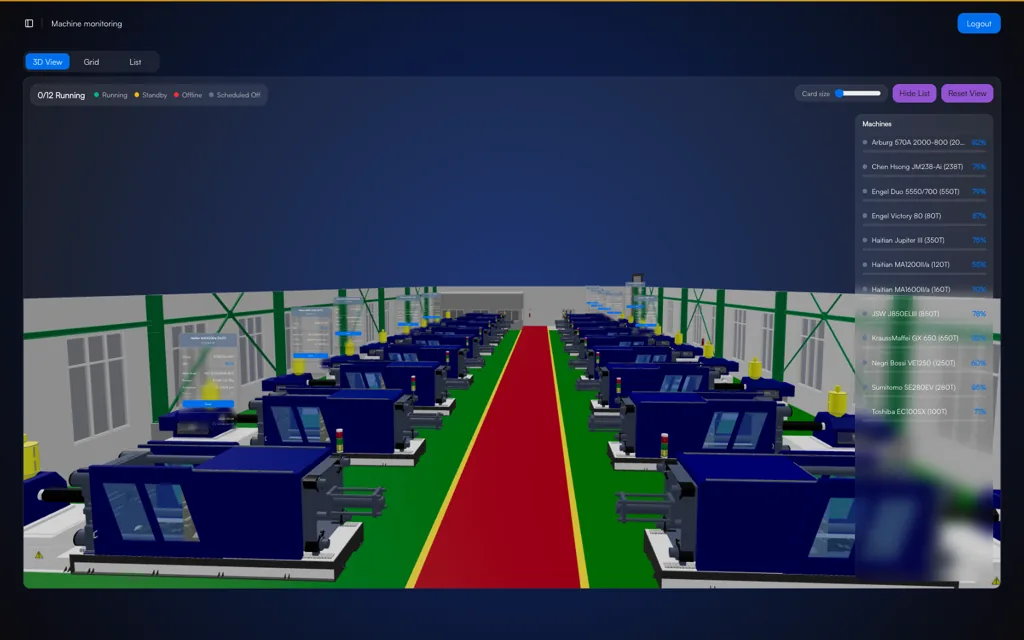
A factory digital twin is a digital model of the physical facility, here a 3D model, that is kept up to date with data from the machines and systems on site. The status and condition of every asset can then be read in its physical position instead of from a separate table.
Not necessarily. If a CAD model or layout exists, we use it. If not, we build a model that is good enough to operate with: machine positions, areas, and main routes, then add detail as needed.
Machine status, sensor data such as vibration, temperature, and current, energy use, OEE, alarms, and work orders. All of it comes from the same TNS and OPTIMUS modules, not a separate copy.
The Digital Twin is most useful on top of data that is already flowing, so it usually starts alongside condition monitoring, OEE, or energy monitoring on a few machines, then grows.
We will show you a plant model that is already live, then talk through how the assets and data in your plant map into it.