
OPTIMUS · DIGITAL ANDON
Get shop-floor problems reported and answered faster
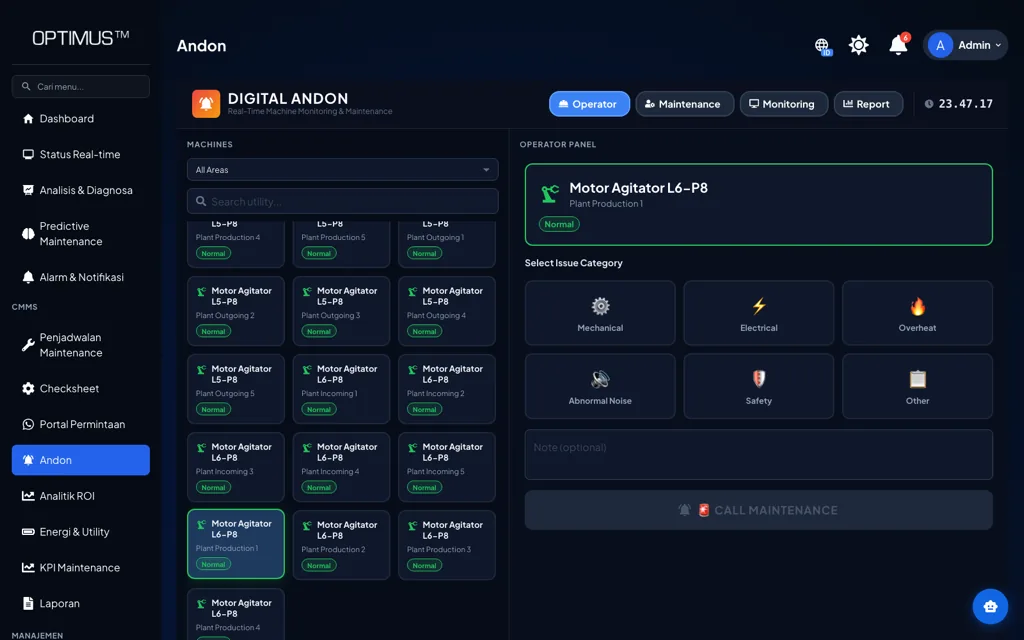
Operators report a problem from where it happens, the report escalates to the right team, and response time is recorded as data instead of an impression.
Platform: OPTIMUS · Operations & Visualization
The problem
Problems on the floor take too long to reach the right person
When reporting means walking off to find someone or sending a chat message, time is lost before anyone starts on the fix. Nobody records how long a problem sat waiting, so the bottleneck in the process never gets corrected.
Signs we usually find
- Operators have to go find a supervisor to report a problem
- Nobody knows whether a report was actually received
- Response time is never measured
- The same problem keeps coming back without being logged
Used by
- Production Supervisor
- Maintenance Supervisor
- Production Operator
- Plant Manager
Data it reads
- Problem categories and escalation paths
- Area, line, and machine structure
- The responsible team for each category
How it works
From the machine to a decision
01
Report
Operator, from where it happens
02
Escalate
To the right team
03
Respond
Handling status
04
Close
Time recorded
The system
What it looks like on screen
Capabilities
What you can do with it
Quick reporting
Problems are reported from where they happen, without hunting down a supervisor.
Structured categories
The system knows the problem type, so the report escalates to the right place.
Tiered escalation
A report nobody has picked up moves to the next level on its own.
Visible status
The person who reported it can see whether it was received and is being handled.
Response time recorded
The time from report to response becomes data you can review.
Notifications
Reports are forwarded to the right team by email and WhatsApp.
Linked to work orders
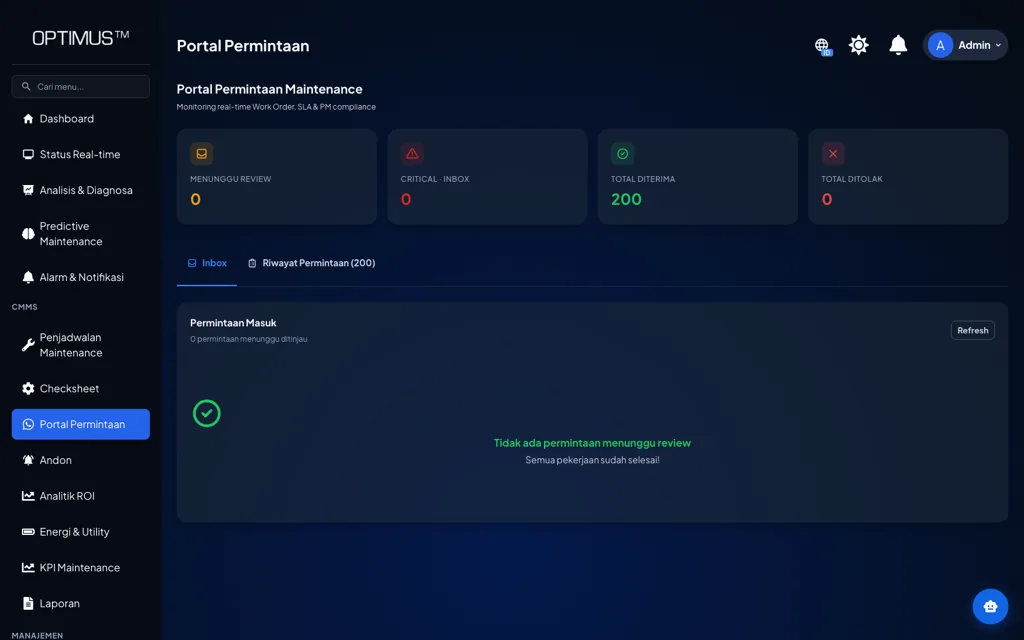
A report that needs a repair can become a job in the CMMS.
History per area
Problems that keep recurring in one area show up as a pattern.
On the floor
How it is used day to day
01
Problem occurs
On the production floor
02
Report raised
By the operator
03
Escalate
To the right team
04
Handle
Status updated
05
Close
Duration recorded
Impact
Why it matters
01
Less waiting before anyone starts on the fix
Reports go straight to the team that owns the problem, with no go-between stretching out the chain of communication.
02
Response becomes something you can manage
Once response time is recorded, the slow points in the escalation process can be found and fixed.
03
Recurring problems stop being invisible
Report history by area and by machine brings out the patterns worth fixing for good.
Start with this alone
Digital Andon can run on its own as the reporting channel for the shop floor. When a report needs to turn into scheduled work, OPTIMUS CMMS picks it up without anyone typing it in again.
In practice
Across different kinds of plants
- Assembly Line
- Operators report a station fault without leaving their work position.
- Injection Moulding
- A call for help with a mold change escalates to the right team.
- Quality
- Quality findings are reported and tracked through to resolution.
- Utility
- Utility faults are reported from the production area to the maintenance team.
Integration
It connects to what you already have
No PLC, meter, or ERP needs replacing. Machvory reads from the equipment already installed in your plant.
01
PLCs, sensors, meters
Data at the machine
02
Edge gateway
Acquisition and buffering
03
Machvory integration layer
Modbus, OPC UA, MQTT
04
TNS / OPTIMUS
Analytics and workflow
05
ERP, SAP, BI
Enterprise reporting
- Siemens, Mitsubishi, Omron, Allen-Bradley PLCs
- Modbus TCP and Modbus RTU
- OPC UA
- MQTT
- Power and energy meters
- Vibration, temperature, current sensors
- Existing SCADA and HMI
- ERP and SAP
- REST API and SQL
Next steps
What usually comes next
Start with one need and add the rest when you actually need it.
FAQ
Questions we get a lot
Do we need special hardware on every machine?
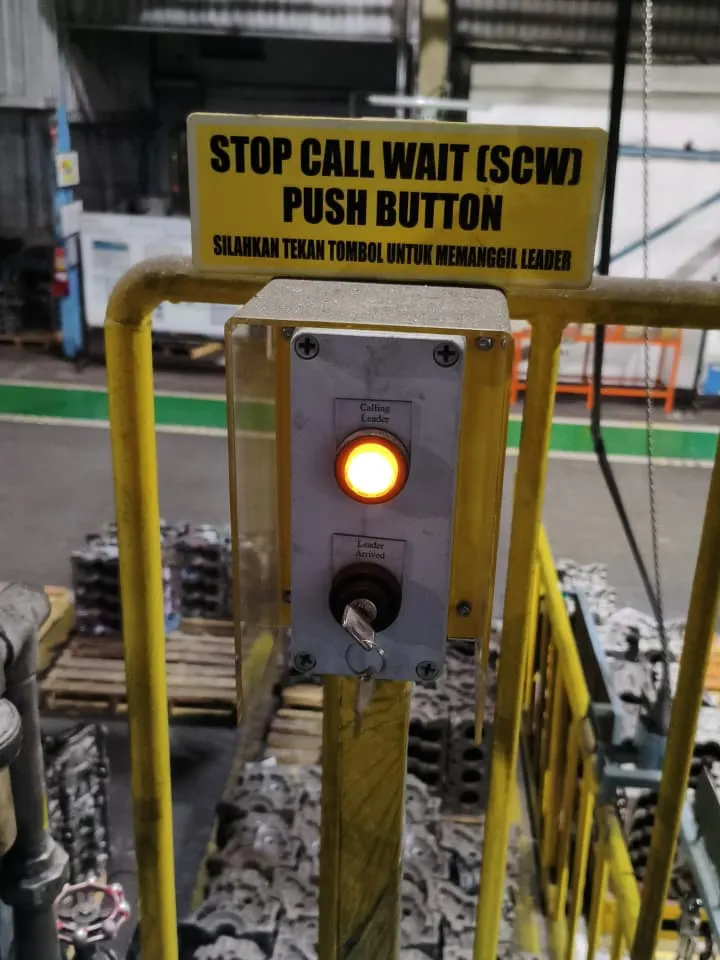
Not necessarily. Reports can be made from a tablet or phone that opens the portal. Where a faster response is needed, physical buttons or dedicated devices can be added at specific points.
What if network coverage on the production floor is limited?
The system can run on-premise on the plant network, so it does not depend on an internet connection. Wi-Fi coverage in the reporting areas is worked out during planning.
Do we have to replace our existing PLCs or machines?
No. Machvory reads from what is already installed over Modbus, OPC UA, MQTT, or a power meter. Where a machine does not expose the data point we need, we add a sensor or gateway to that machine alone rather than touching its controls.
Can it run on-premise, with no cloud?
Yes. It can run entirely on a server inside the plant, in the cloud, or split between the two. The choice usually comes down to your IT/OT policy and what the plant network can carry.
How long does the first implementation take?
It depends on how ready the data points are and how many machines are involved. We normally start with a pilot on one line or a few critical assets to prove out data quality and the workflow, then widen once it holds up on the floor.
See Digital Andon on Your Line
Our engineers look at your machines and the data you already have, then scope a pilot that is realistic to run.
- No obligation to buy
- A reply within business hours
- WhatsApp works too